Step-by-step guides to help you install, configure, and get the most out of Location Guard. Learn how to protect your browser location privacy with our comprehensive tutorials.
New to Location Guard? Start with our Firefox installation guide and initial setup tutorial.
Start HereGet Location Guard up and running on your browser in minutes. Follow our step-by-step guides for Firefox, Edge, Opera, and more.
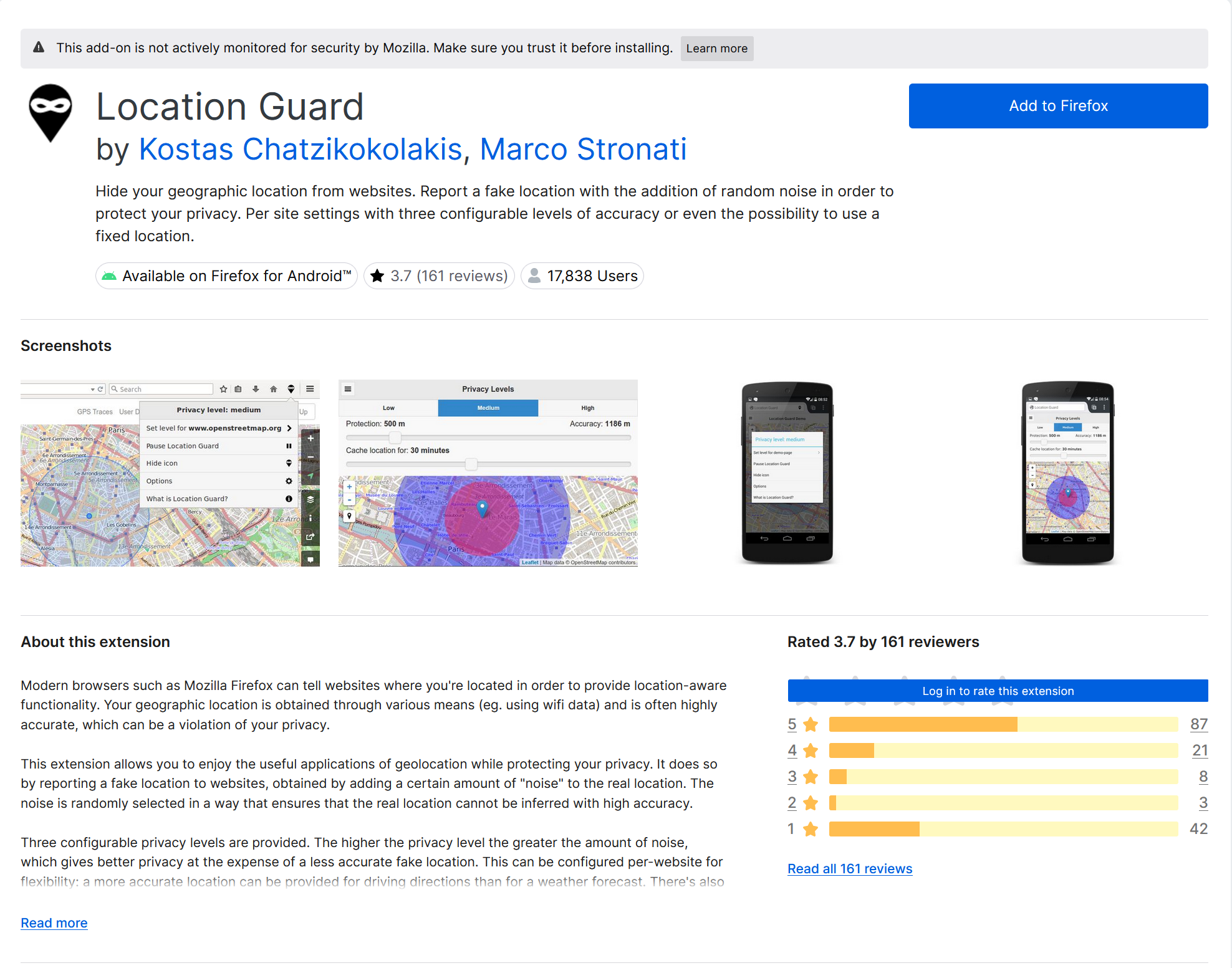
Install Location Guard on Firefox from the official Mozilla Add-ons store. The recommended browser for Location Guard.
Install Location Guard on Microsoft Edge, Opera, Brave, and other Chromium-based browsers via sideloading.
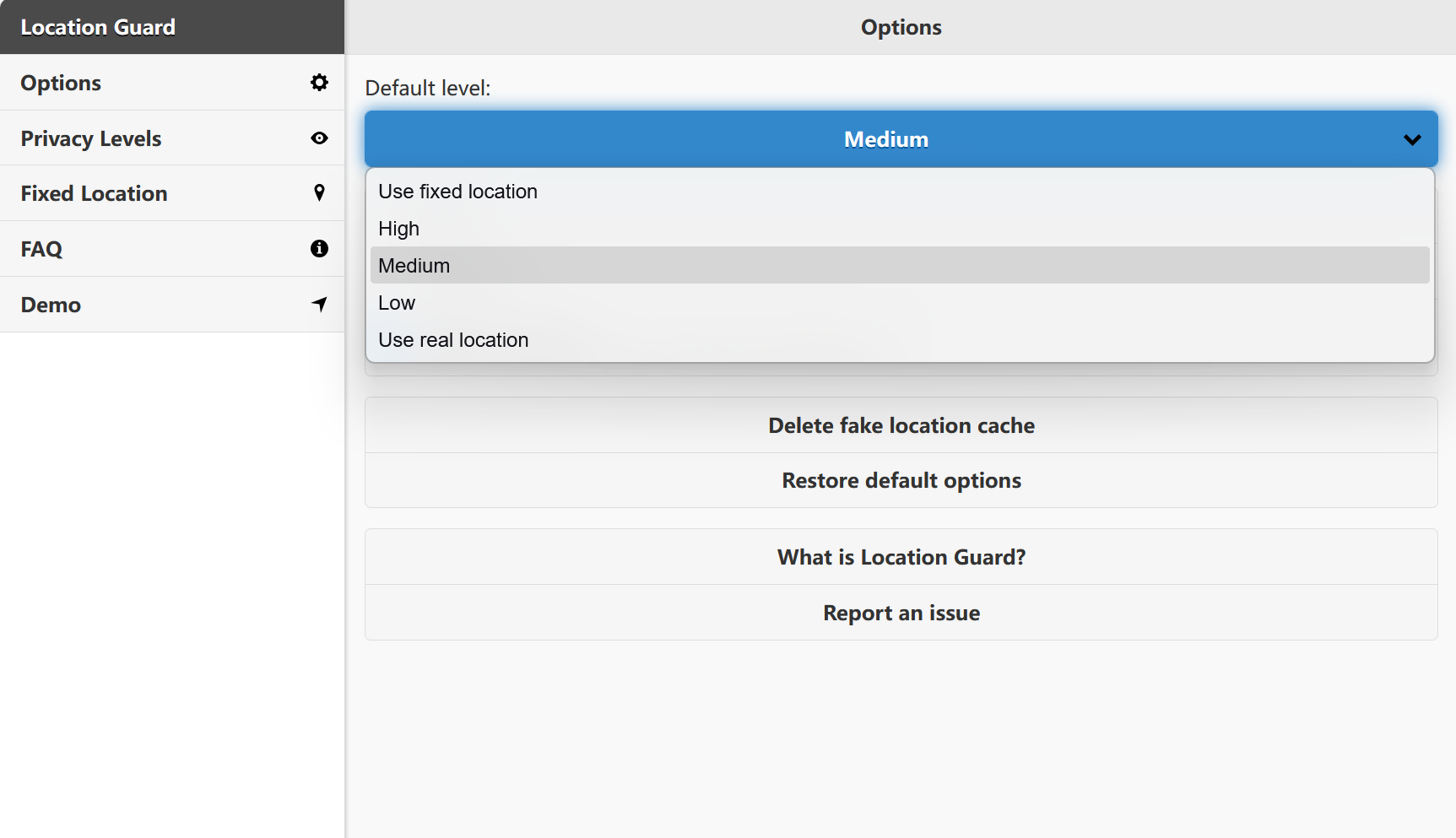
Configure Location Guard after installation. Set your default privacy level and understand the extension options.
Learn how to configure Location Guard's privacy protection features. From basic privacy levels to advanced per-site settings.
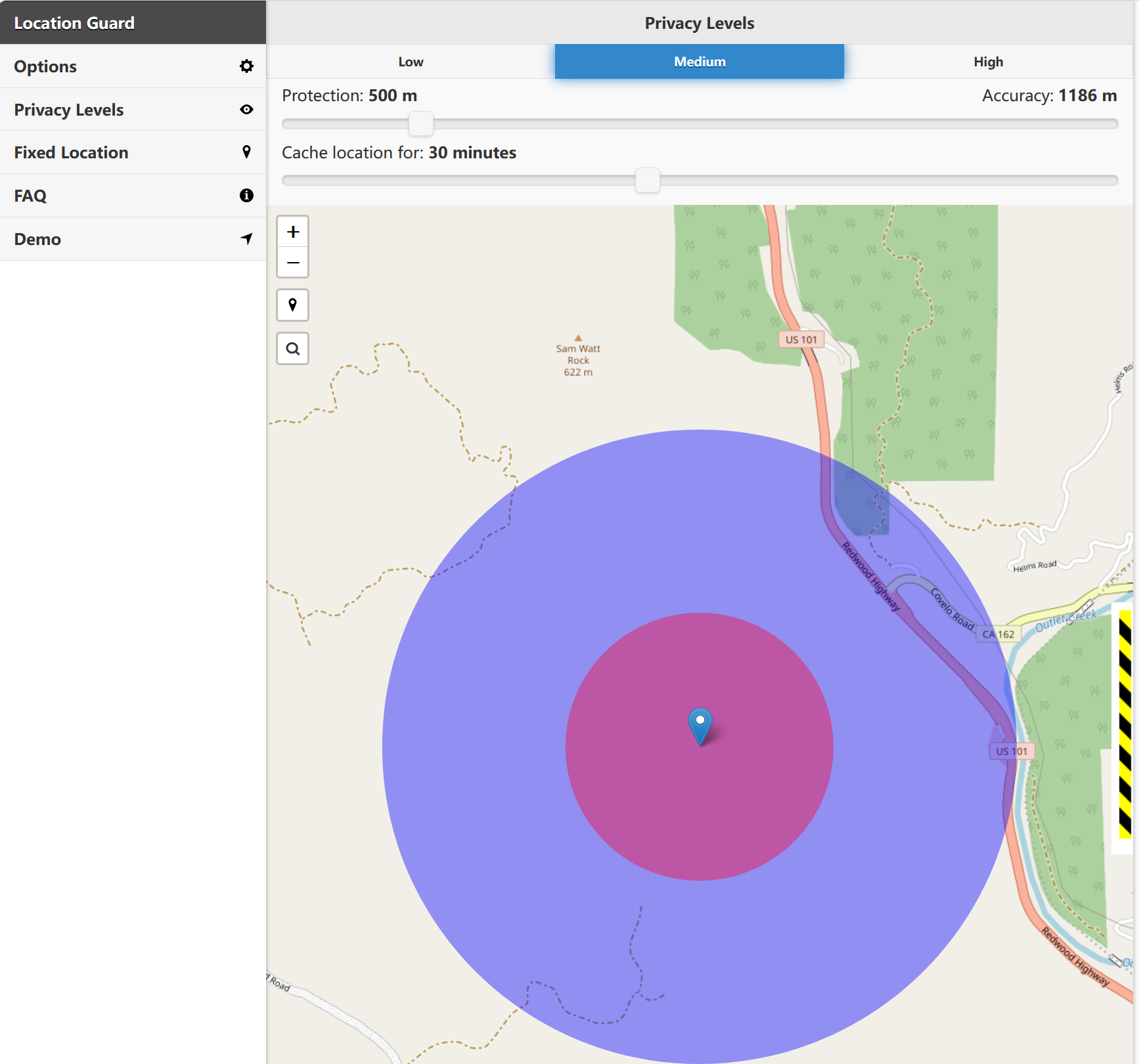
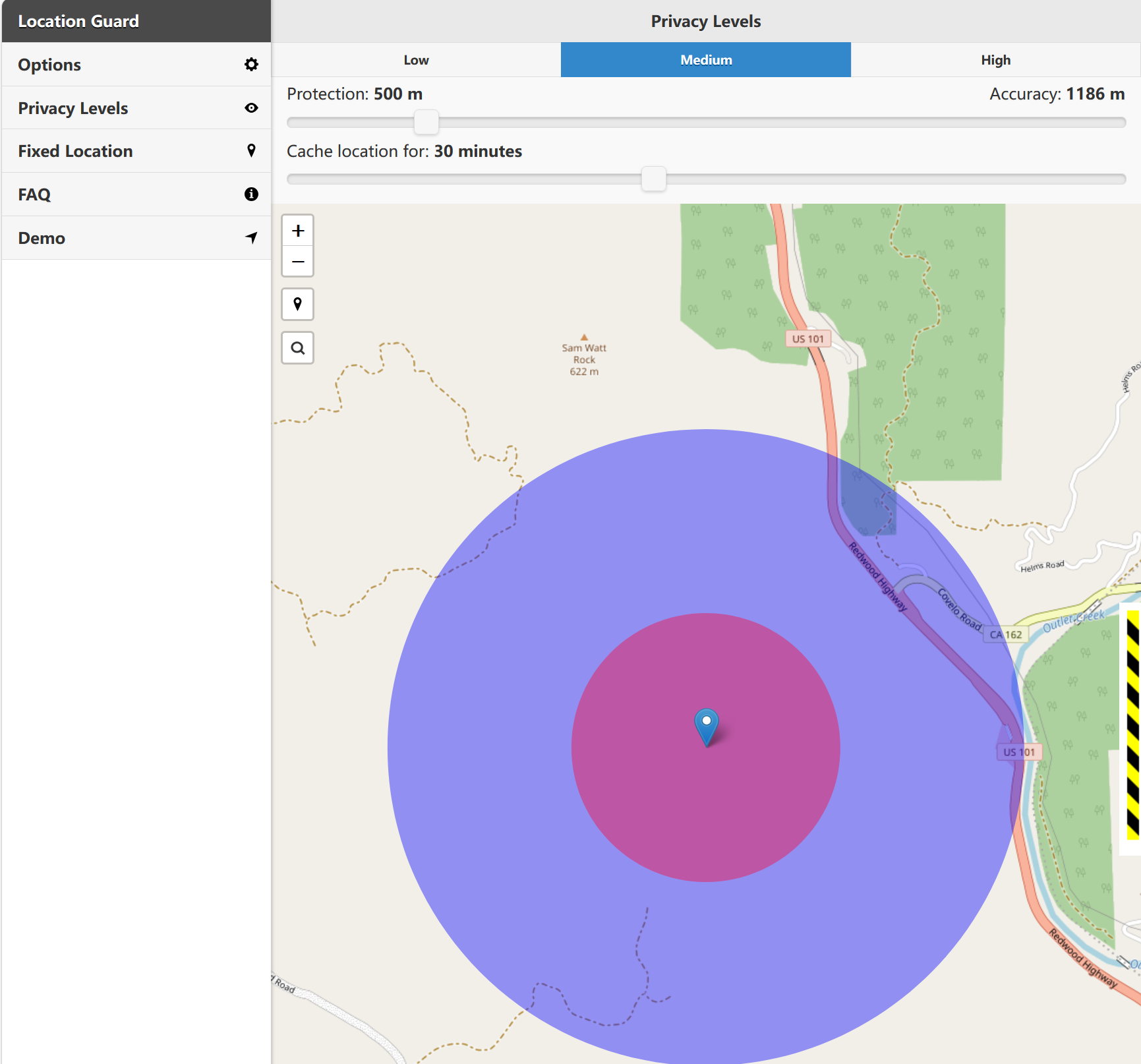
Understand and configure Location Guard's three privacy levels: Low, Medium, and High noise protection.
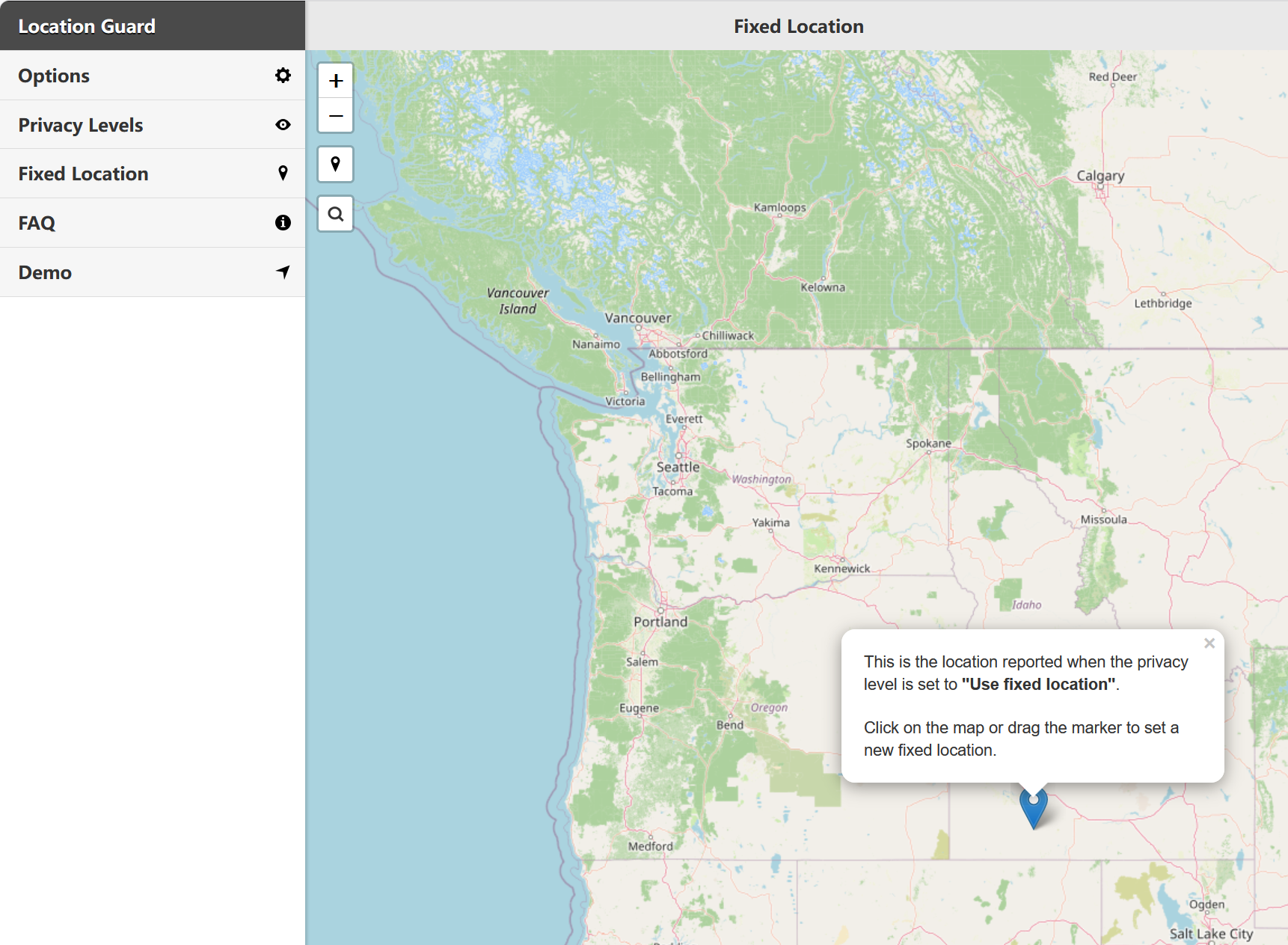
Report a completely different location to websites using the Fixed Location mode with the interactive map.
Set different privacy levels for individual websites. Allow some sites full access while protecting others.
Verify your protection is working, troubleshoot common issues, and learn advanced privacy tips for maximum location security.
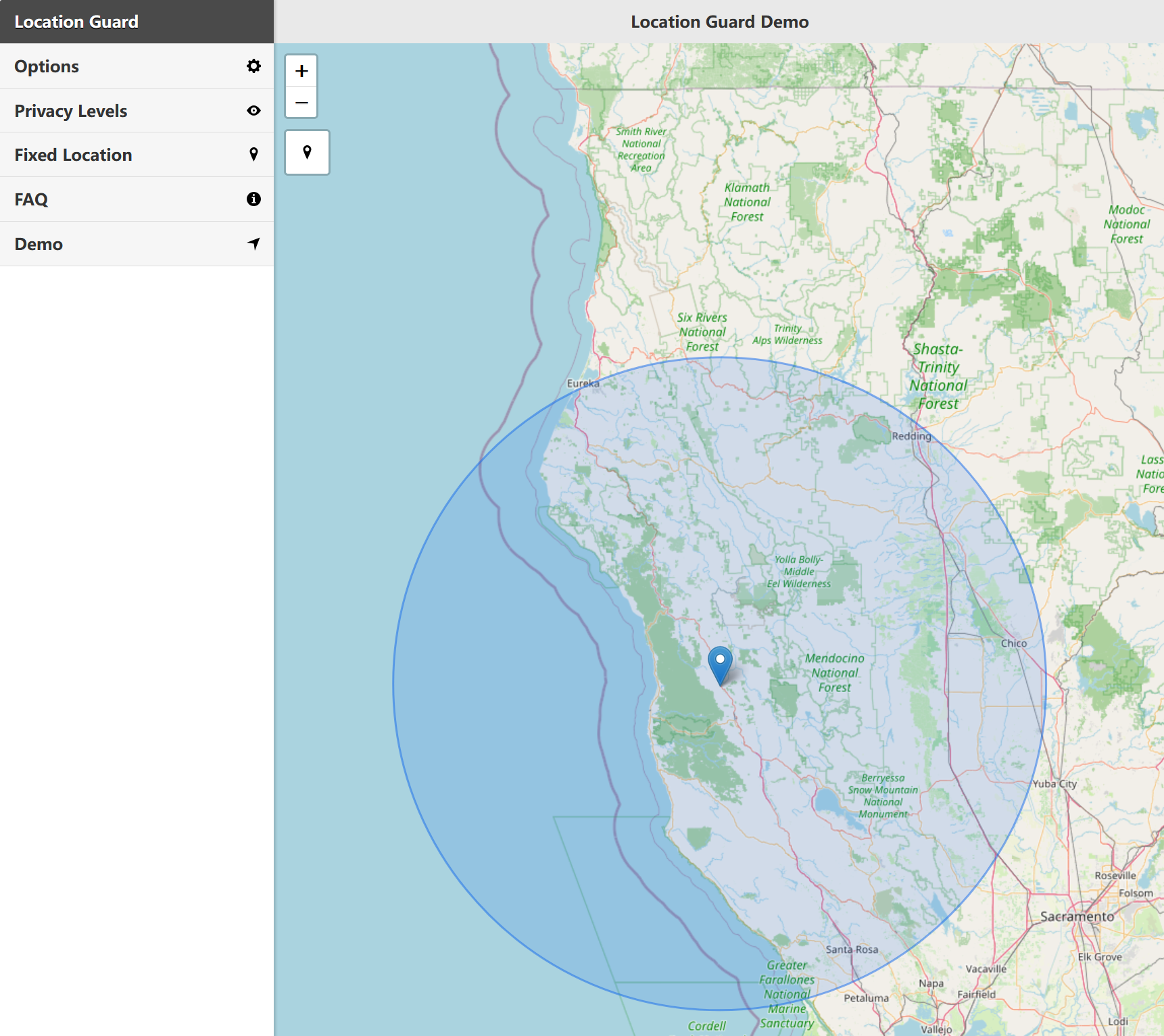
Use our My Location tool to verify Location Guard is working correctly and your real location is hidden.
Fix common problems with Location Guard, including permission errors, sites not working, and extension conflicts.
Go beyond basic protection. Learn to combine Location Guard with other privacy tools for comprehensive security.
Can't find what you're looking for? Check out these additional resources.
Report bugs, request features, or browse the source code on GitHub.
View on GitHub →Start with Location Guard, compare the V3 option, or check your browser location after setup.