Get Location Guard for your browser. Protect your geographic location privacy with noise-based geolocation protection. Free, open-source, and trusted since 2013.
Location Guard is available for Firefox, Edge and Opera. Choose your preferred browser to get started.

Location privacy extensions for Chrome browser users.
Get for Chrome
See available options for Chrome

Official add-on from Mozilla's store. One-click install.
Get for Firefox
Direct install from Mozilla Add-ons

Official add-on from Microsoft's Edge Add-ons store.
Get for Edge
Direct install from Edge Add-ons
Also works on Opera via sideload from GitHub releases. · View full source code on GitHub.
Location Guard is 100% open-source under the MIT license. No personal data is collected or transmitted. All downloads link to official sources (Mozilla Add-ons, GitHub).
Follow these simple steps to install Location Guard on your browser. Takes less than 2 minutes!
Click the "Get for Firefox" button above or visit Firefox Add-ons directly to find Location Guard.
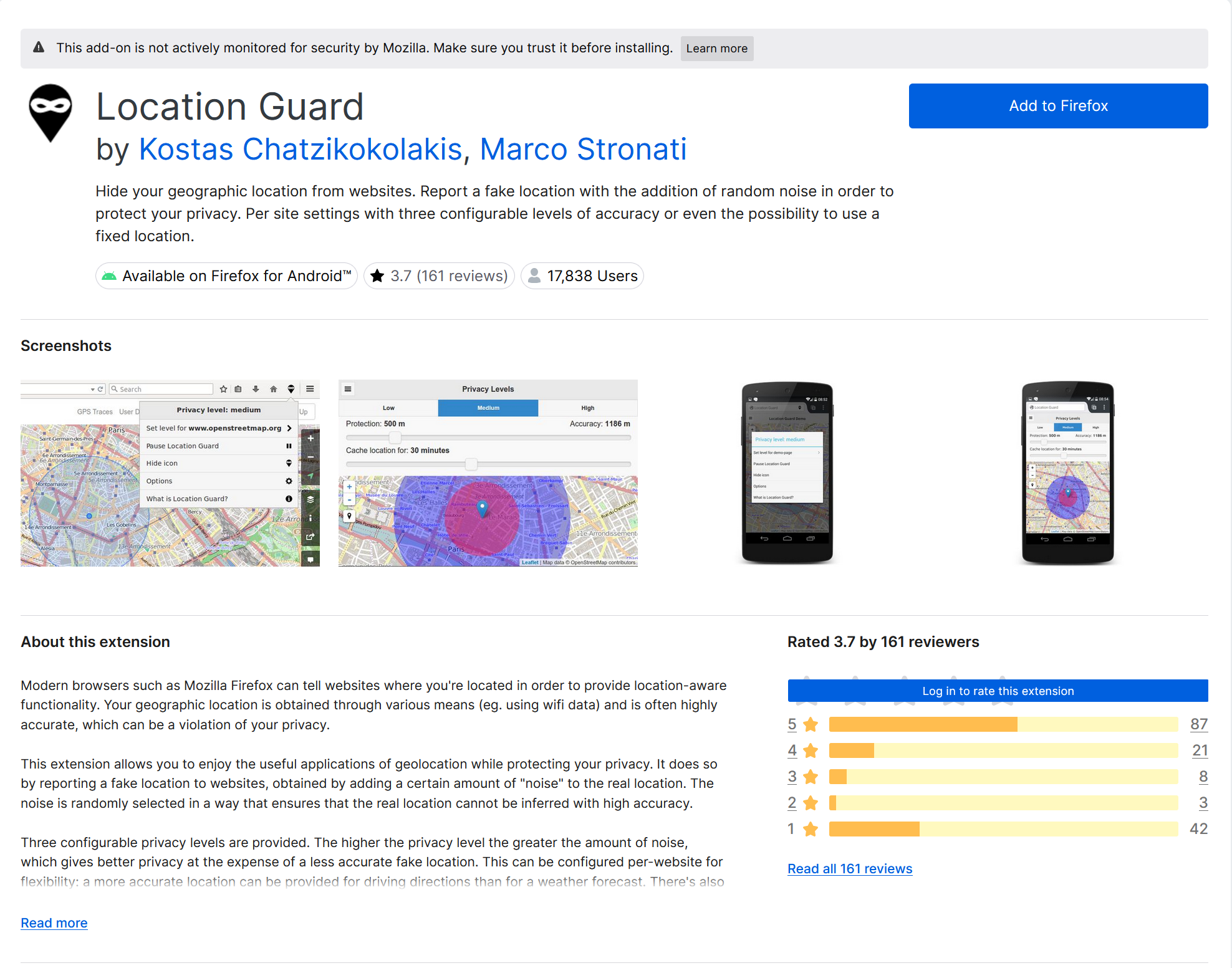
Firefox will show a permission dialog. Location Guard only needs access to your location data to protect it.
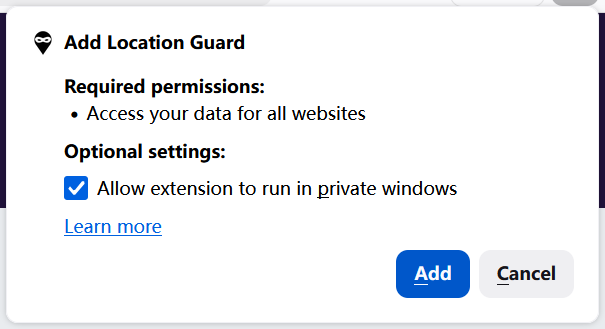
Click "Add" to complete installation. Location Guard will start protecting your location immediately.
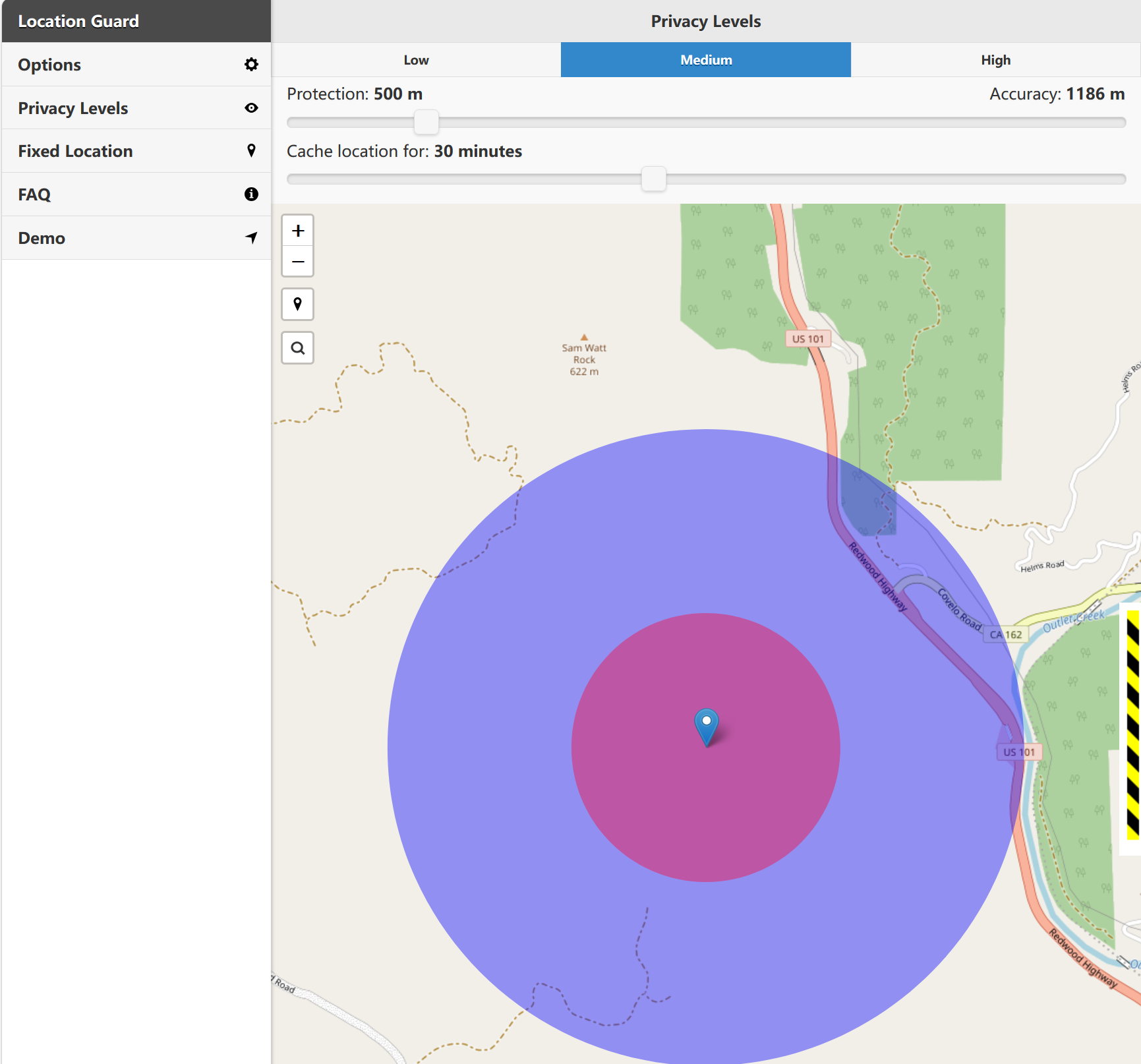
Location Guard is now active. Visit any website that requests your location — your real coordinates will be automatically masked.
Click the "Get for Edge" button above or visit the Microsoft Edge Add-ons store directly.
Edge will ask for permission to install the extension. Review and confirm.
Location Guard is now installed. You'll see its icon in the Edge toolbar.
Location Guard is now active in Edge. Your real coordinates will be automatically masked on every website.
Can't find what you're looking for? Check our comprehensive guides or get in touch.
Get the most out of Location Guard
Use our My Location tool to confirm Location Guard is working and your real location is hidden.
Check NowLearn how to configure privacy levels, set fixed locations, and customize per-site settings.
View TutorialsNeed location privacy on Chrome? Compare actively maintained alternatives with detailed reviews.
View Alternatives