
Location Guard is a free, open-source browser extension that protects your geographic location privacy by adding controllable noise to your browser's Geolocation API. Available for Firefox, Edge & Opera.
Safe & Secure • No Personal Data Required • Works Locally in Your Browser
"Finally I can use location-based services without giving away my exact address. The noise feature is brilliant!"
Alex R.
Privacy Advocate
"I use it with my VPN to keep my precise location private. Per-site settings let me keep maps accurate while protecting other sites."
Maria K.
Remote Worker
"Simple, lightweight, and open source. Set it up in 30 seconds and it just works in the background. Highly recommended."
David L.
Software Developer
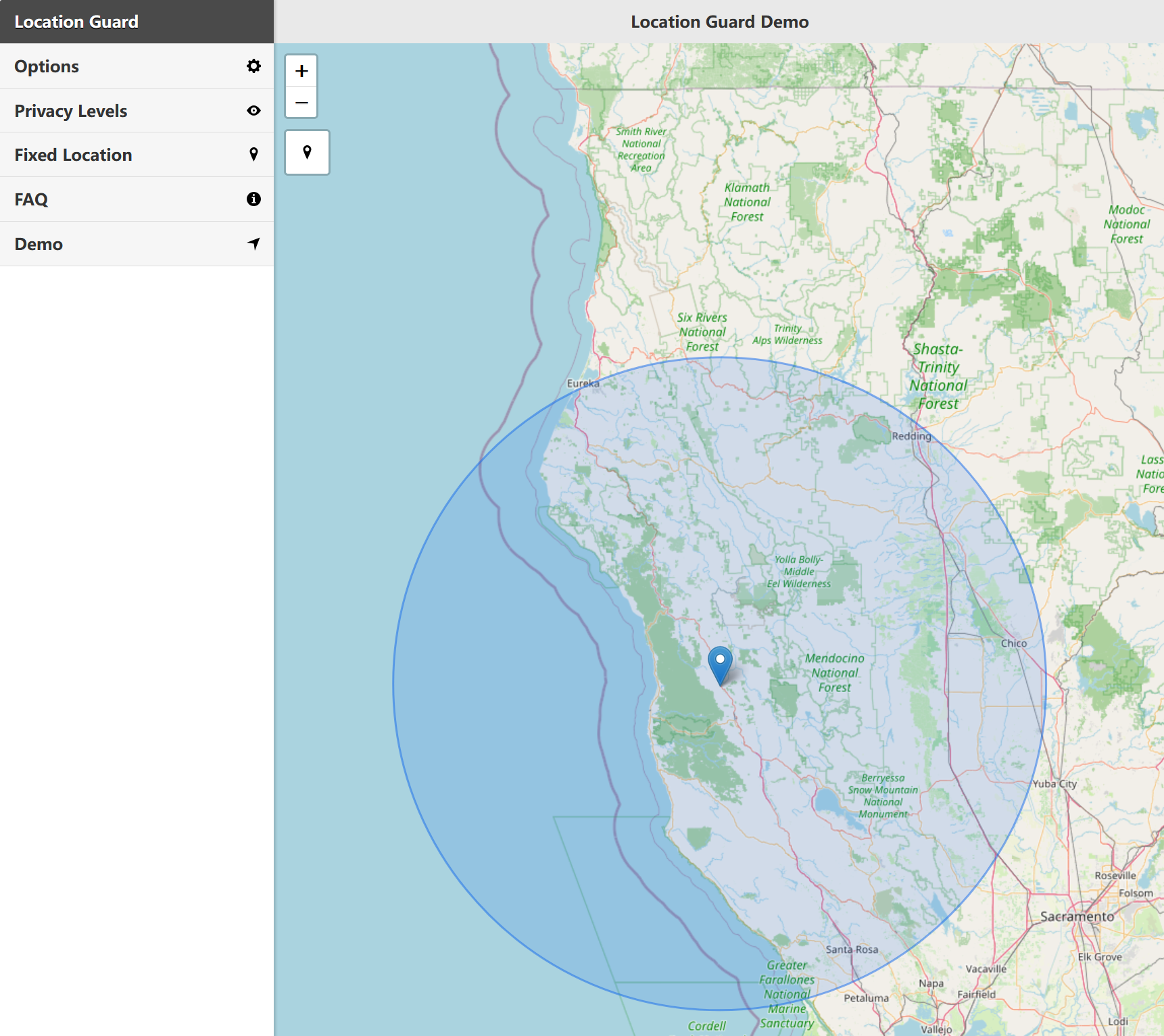
Location Guard intercepts the browser's Geolocation API and adds configurable noise to your coordinates, so websites get an approximate area instead of your exact position.
Adds random noise to your real coordinates. Websites see a nearby area, not your exact location — protecting your privacy while keeping services functional.
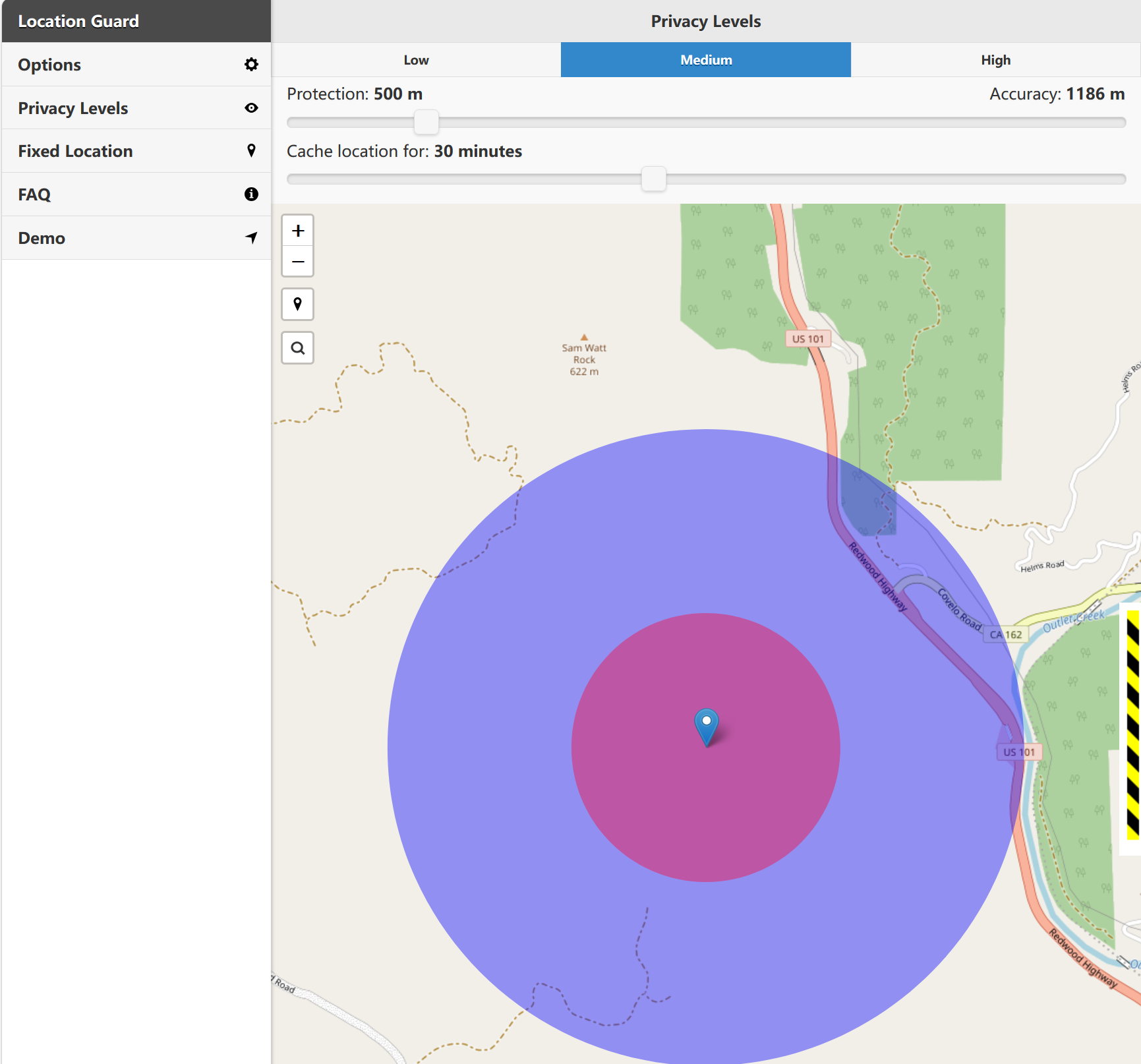
Learn MoreChoose from Low (neighborhood), Medium (city), or High (country) privacy levels to balance accuracy and protection for your needs.
Learn MoreSet a specific fixed location on the map. Websites receive the configured coordinates instead of your precise location - useful for privacy testing and browser geolocation control.
Learn MoreSet different privacy levels for different websites. Allow precise location for maps while blocking it for social media and ads.
Learn MoreZero impact on browsing speed. Location Guard runs entirely in your browser with no external servers, no data collection, and no tracking.
Learn MoreFully open-source on GitHub. Anyone can audit the code, contribute improvements, or fork the project. Transparency you can trust.
View on GitHubProtect your location privacy in under a minute. No technical knowledge required.
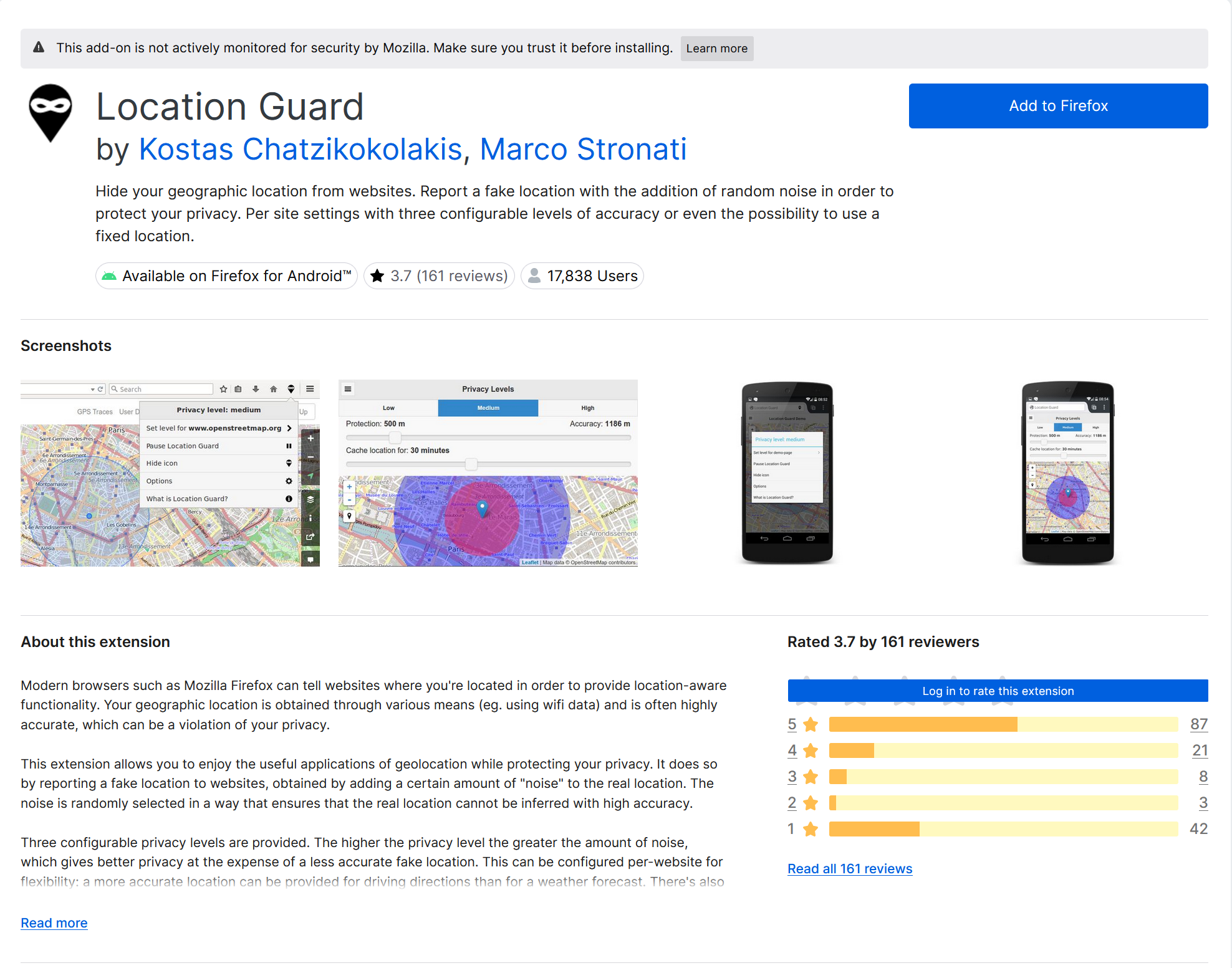
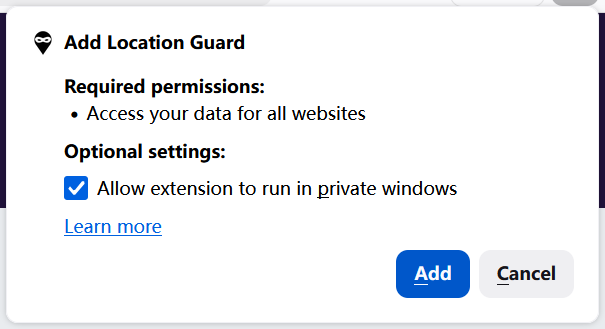
Add Location Guard to your browser from the Firefox Add-ons, Edge Add-ons, or Opera Extensions store. One click to install.
Select how much noise to add: Low (neighborhood), Medium (city), or High (country). Or set a fixed location.
That's it! Location Guard automatically protects your location on every website that requests it.
Check out our detailed installation guide and tutorials for your browser.
Every time a website asks for your location, it gets your exact GPS coordinates. Here's why that matters.
Advertisers and data brokers can build a profile of your movements and habits based on your location history.
Some services personalize content based on location. Reducing precise location exposure can limit unnecessary location-based profiling.
Your exact location can reveal where you live and work. Protecting it is a basic step in personal safety online.
Location privacy is a fundamental right. You should control who knows where you are and when.
Use our free tool to see exactly what websites can learn about your location right now.
Test Your Location PrivacyQuick answers to the most common questions about Location Guard.
Yes, Location Guard is 100% free and open-source under the MIT license. There are no hidden costs, premium tiers, or in-app purchases. All features are available to every user.
Unfortunately, the original Location Guard has been removed from the Chrome Web Store because it hasn't been updated to meet Chrome's Manifest V3 requirements. It still works on Firefox, Edge, and Opera. For Chrome users, we recommend checking our alternatives page.
Yes! Location Guard adds noise to your coordinates rather than blocking them entirely. Websites that use geolocation will still work — they'll just see an approximate area instead of your exact position. You can also configure different privacy levels per site.
No. Location Guard runs entirely in your browser and never sends your data anywhere. It has no external servers, no analytics, and no tracking. The source code is publicly available on GitHub so anyone can verify this.
Have more questions? Check our complete FAQ or get in touch.
Download Location Guard for free and take control of your geographic privacy. Available for Firefox, Edge, and Opera.
Need help getting started? Check our tutorials or contact us
 Location Guard Chrome
 Location Guard Firefox