
Browser-level location spoofing using Chrome Debugger API. Spoof timezone, geolocation, and locale together for more consistent privacy signals.
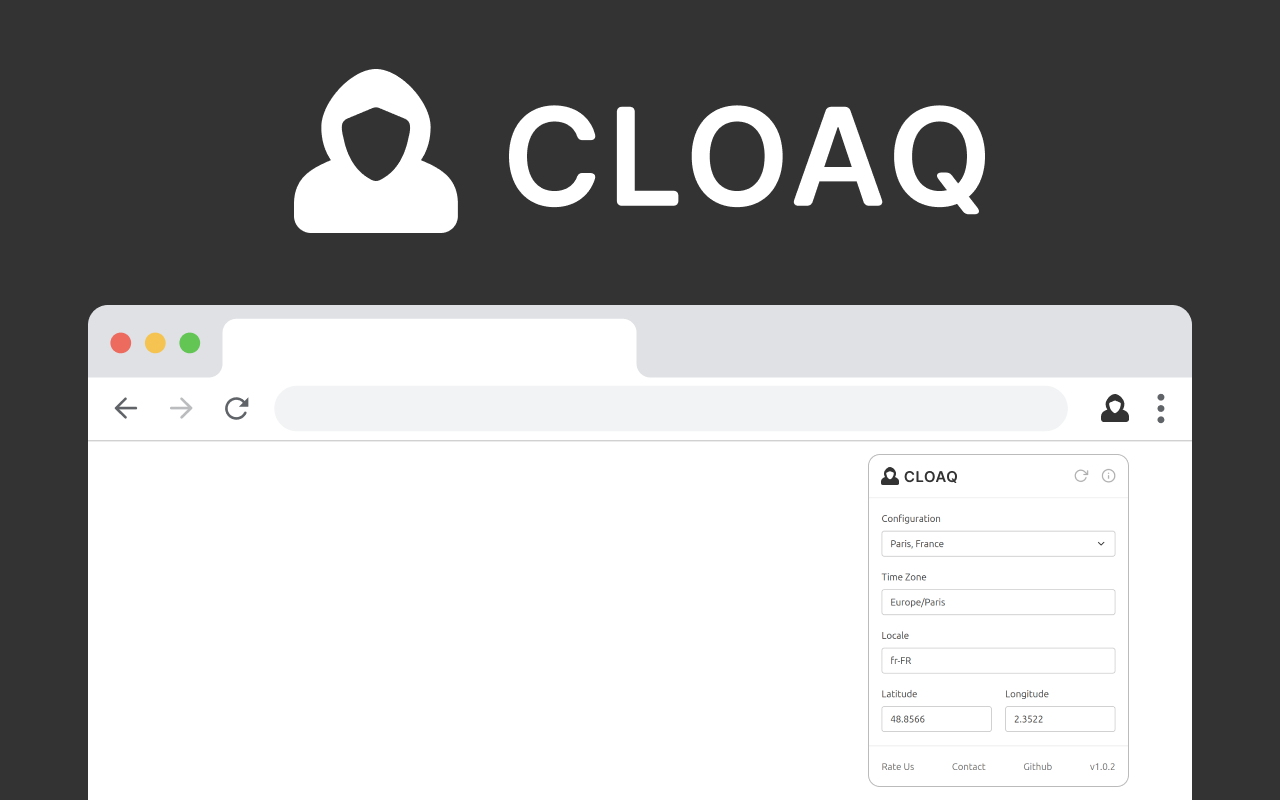
Spoof timezone, geolocation, and locale together for stronger privacy
Browser-level spoofing using Chrome Debugger API for reliable protection
Cloaq uses the Chrome Debugger API to change location data directly at the browser level, not through script injection.
Changes timezone, geolocation, and locale together for consistent results. All location data matches your chosen location.
Works perfectly with VPN or proxy services to provide complete location privacy. More reliable than script-based solutions.
Cloaq does NOT change your IP address. It's designed to work alongside VPN or proxy services. Use Cloaq with your VPN to ensure your timezone, geolocation, and locale all match your VPN location for stronger privacy.
Browser-level protection that actually works
Uses Chrome's native debugging API to change data at the browser level, not through unreliable script injection.
Automatically changes your timezone to match your chosen location for consistent results.
Set any location worldwide with precise latitude and longitude coordinates.
Changes your browser's language and locale settings to match your configured location.
Fully transparent code available on GitHub. Review, audit, and contribute to the project.
Perfect companion for VPN or proxy services. Ensures all location data matches your VPN location.
Cloaq uses the Chrome Debugger API for browser-level location spoofing that is more consistent than traditional script injection methods.
Uses native browser debugging API for consistent spoofing
Spoofs timezone, geolocation, and locale together
Minimal performance impact on your browser
Perfect companion for VPN or proxy services
Understanding the technology behind Cloaq's privacy protection
When websites request your location via JavaScript, your browser can reveal your exact coordinates with high accuracy (typically within 10-50 meters).
This is done by transmitting a list of nearby WiFi access points to geolocation providers like Google Location Services, or via GPS if available.
This reveals your precise location to any website that asks for it.
Cloaq uses the Chrome Debugger API to change location data directly at the browser level, not through unreliable script injection.
It spoofs timezone, geolocation, and locale together to keep browser location indicators match your chosen location.
Perfect companion for VPN or proxy services for complete location privacy.
Automatically changes your browser's timezone to match your chosen location. Ensures time-based data matches your configured location.
Set any location worldwide with precise latitude and longitude coordinates. Your real location is never revealed to websites.
Changes your browser's language and locale settings to match your configured location for consistent results across all websites.
Cloaq does NOT change your IP address. Use it with your VPN or proxy to ensure all location data (IP, timezone, geolocation, locale) matches for stronger privacy protection.
Compare Cloaq with other alternatives
| Feature | Location Guard V3 | Cloaq | Change Geo |
|---|---|---|---|
| Best For | Privacy Protection | VPN Users | Beginners |
| Timezone Spoofing | ❌ | ✅ | ❌ |
| Locale Spoofing | ❌ | ✅ | ❌ |
| Chrome Debugger API | ❌ | ✅ | ❌ |
| Multi-Browser | ✅ | Chrome Only | ✅ |
Everything you need to know about Cloaq
Cloaq is a Chrome extension that uses the Chrome Debugger API to spoof your timezone, geolocation, and locale at the browser level. Unlike script-based solutions, Cloaq changes data directly in the browser for more reliable protection.
It's designed to work alongside VPN or proxy services to ensure all your location data matches your VPN location.
Cloaq uses the Chrome Debugger API to change location data at the browser level, not through script injection. This can be more consistent than traditional script-injection methods.
It also spoofs timezone, geolocation, and locale together for consistent results, ensuring all location indicators match your chosen location.
No. Cloaq does NOT change your IP address. It's designed to work alongside VPN or proxy services to provide complete location privacy.
Use Cloaq with your VPN to ensure your timezone, geolocation, and locale all match your VPN location. This prevents websites from detecting mismatches between your IP location and browser location.
Recommended: Always use Cloaq together with a VPN or proxy for stronger privacy protection.
Using Cloaq is simple:
The extension will automatically align browser location data to match your chosen settings.
Yes! Cloaq is completely safe:
The Chrome Debugger API allows Cloaq to change location data at the browser level, making it more reliable than script injection methods. This approach provides more consistent results across all websites.
Cloaq uses the Chrome Debugger API for browser-level spoofing, while most other extensions use script injection. This makes Cloaq more consistent. Cloaq also spoofs timezone, geolocation, and locale together for consistent results.
Cloaq is designed to work seamlessly with most websites. However, some websites may detect the use of debugging tools. If you encounter issues, you can temporarily disable Cloaq for specific sites.
Visit the Cloaq GitHub repository to report issues or request features. We actively monitor and respond to all issues and feature requests from the community.
Yes! Location Guard V3 is completely free and open source under the MIT/X11 and CeCILL-B licenses. There are no premium features, subscriptions, or hidden costs. It will always remain free for everyone.
Download Cloaq and experience browser-level location spoofing with Chrome Debugger API

 Download for Chrome
 Download for Chrome